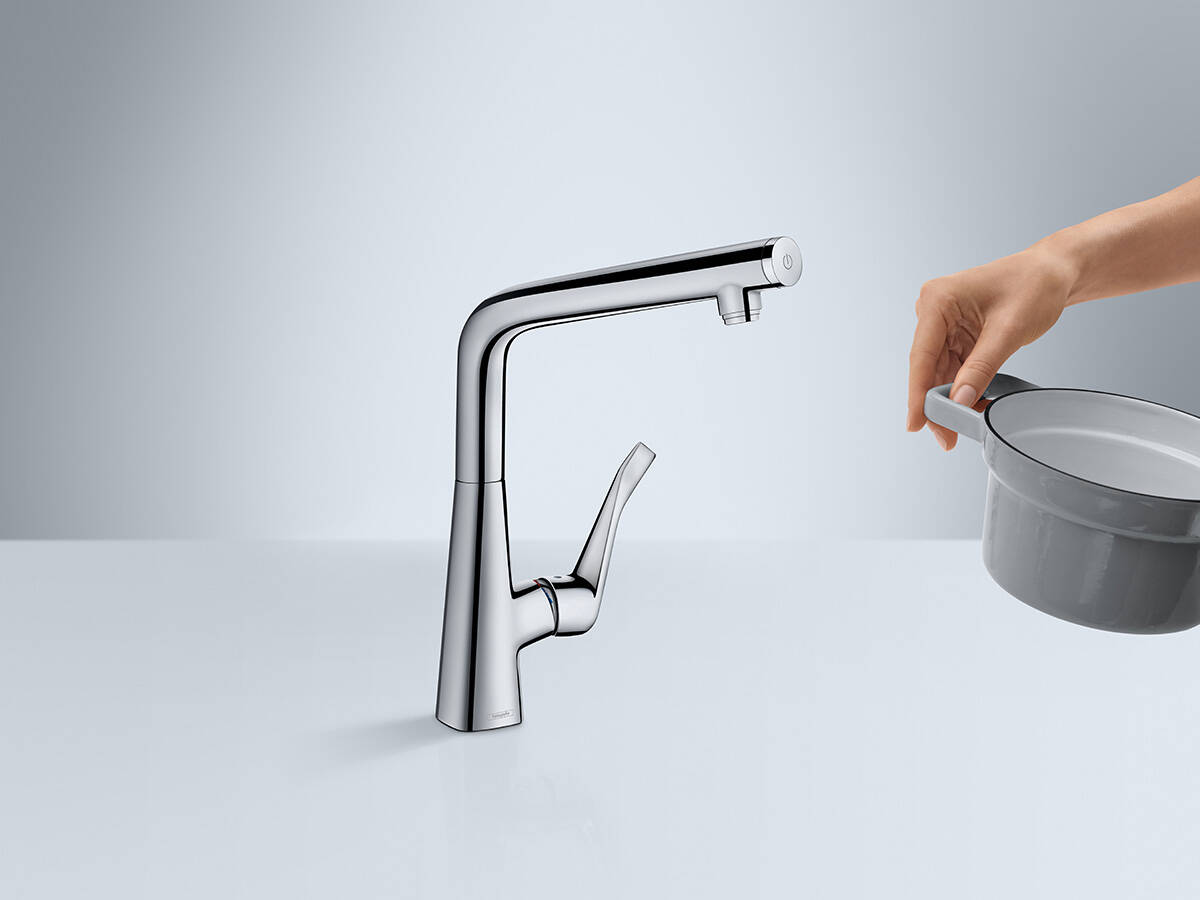
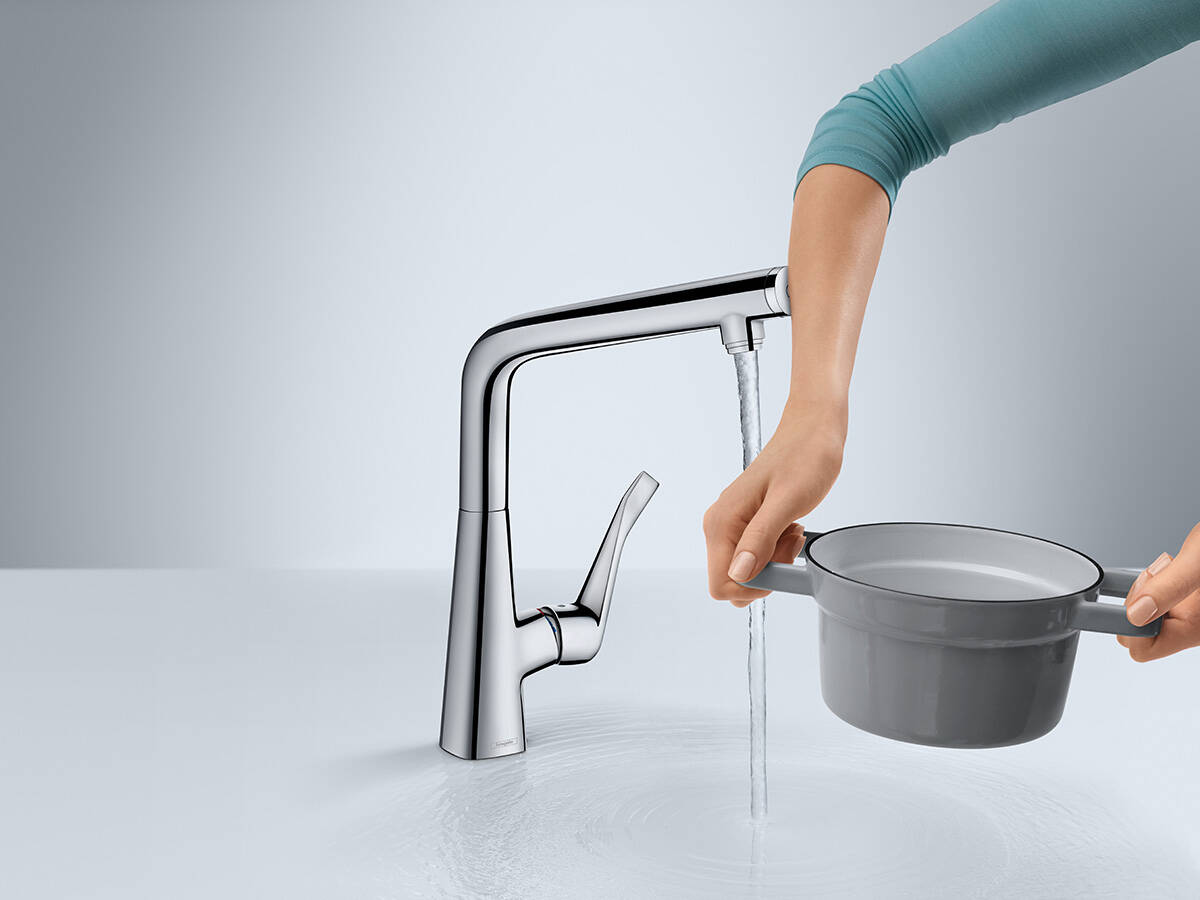
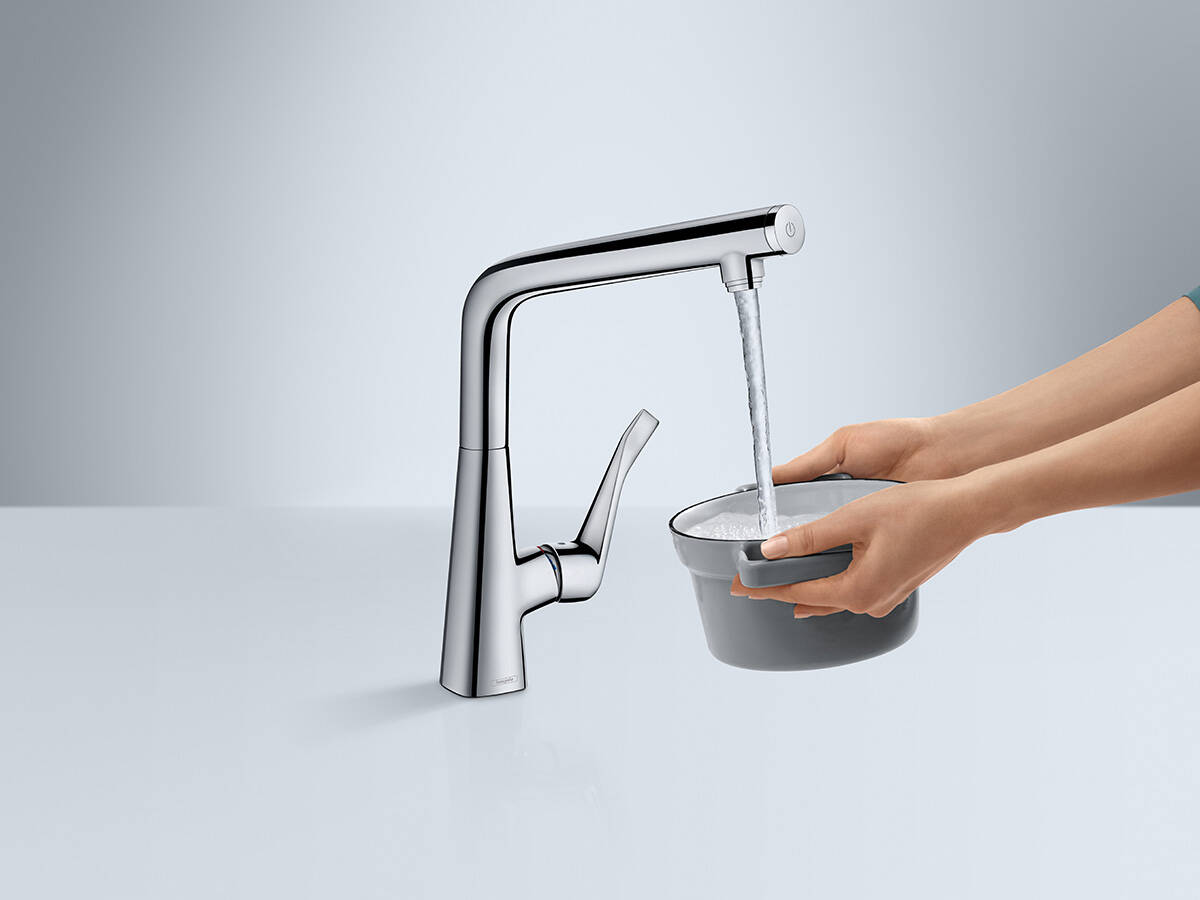
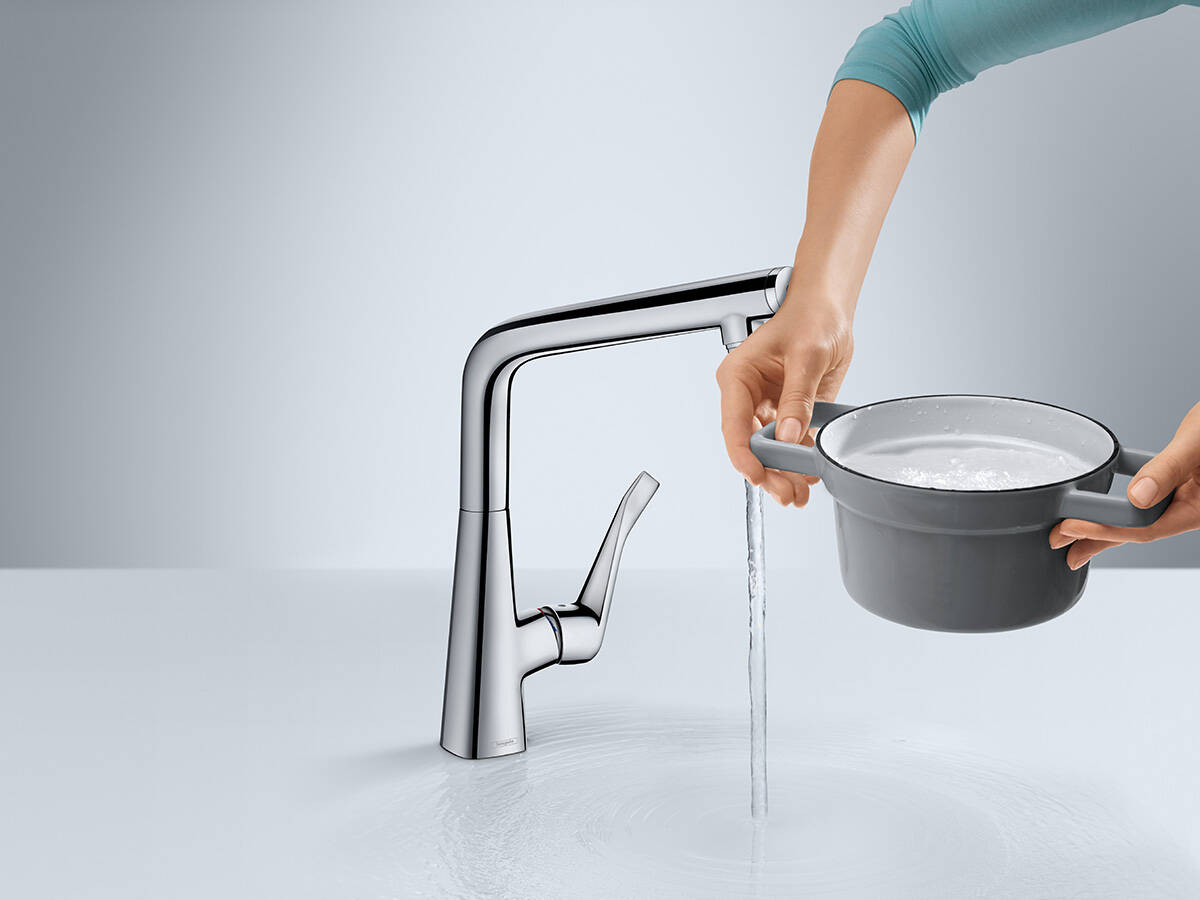
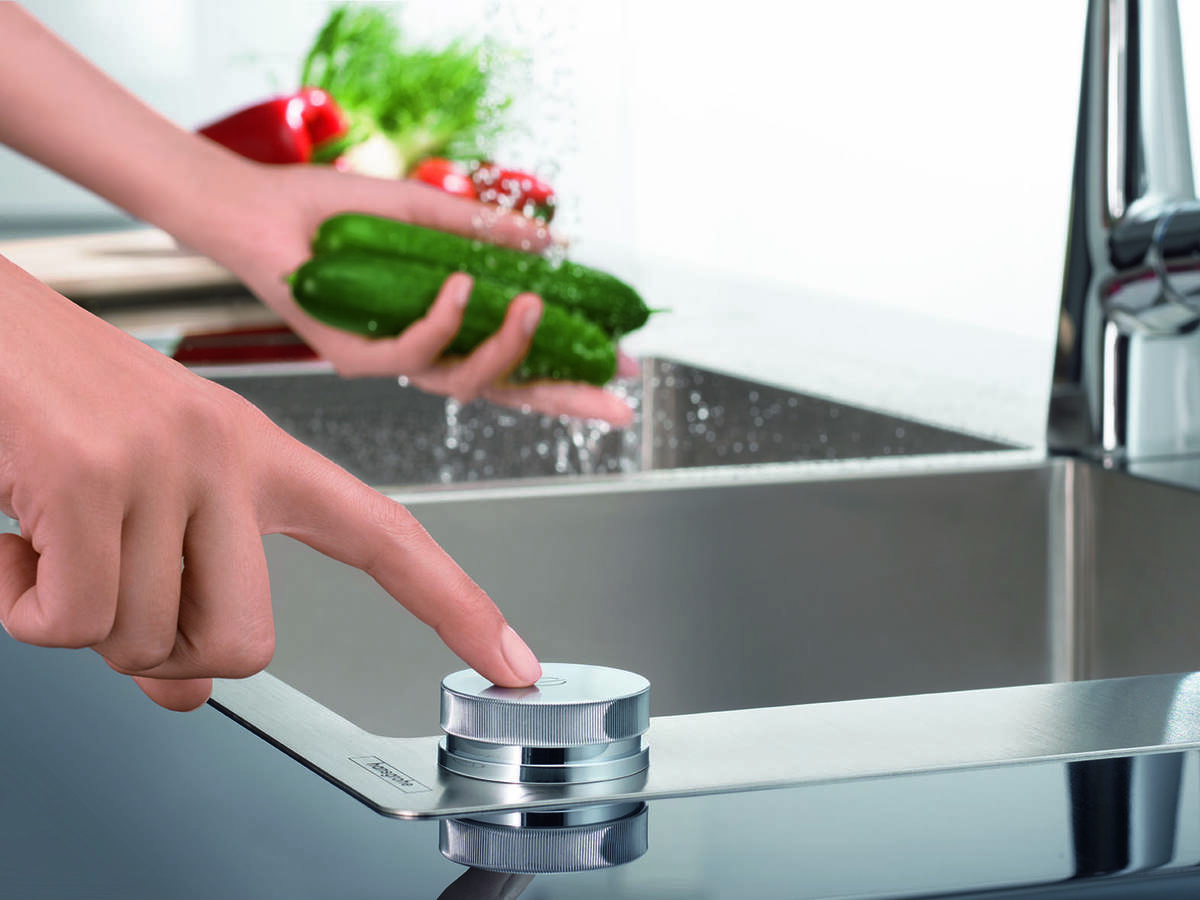
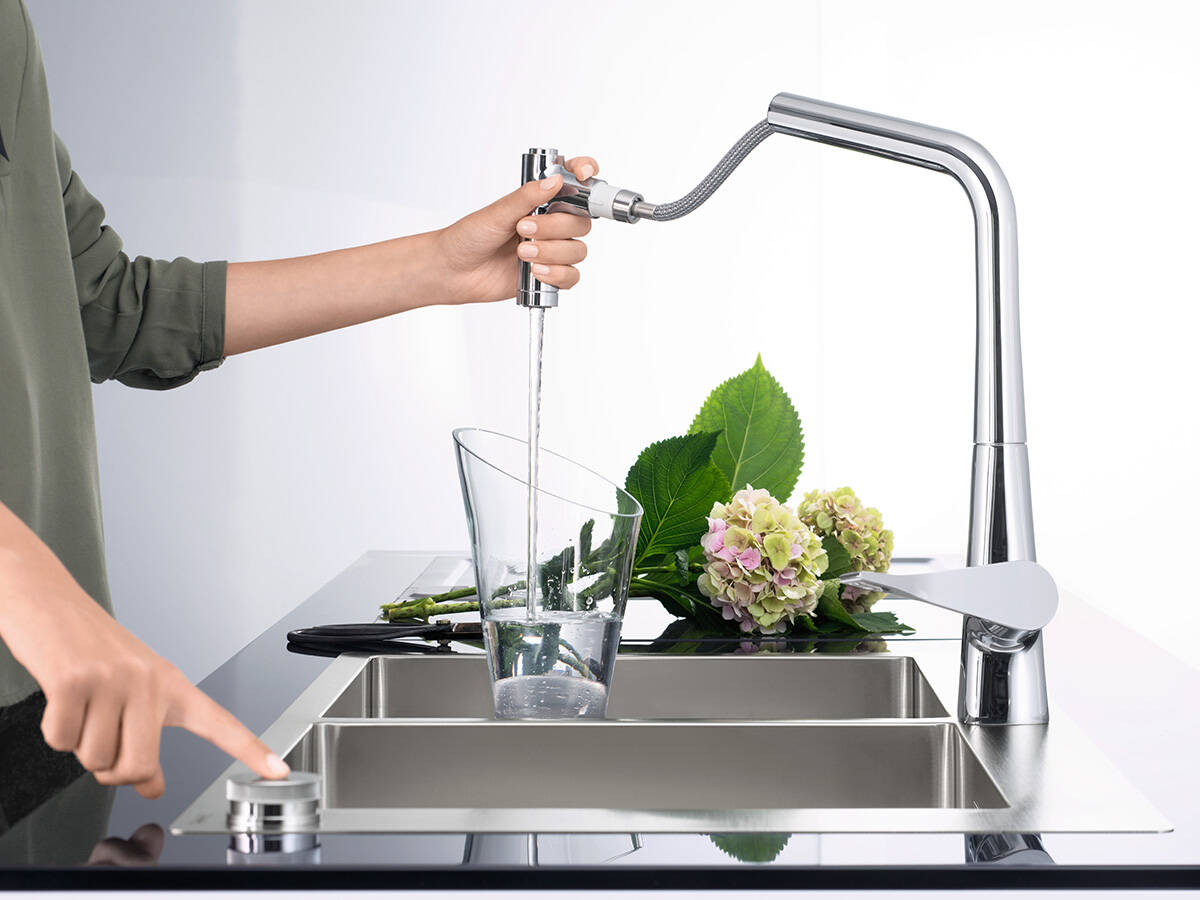
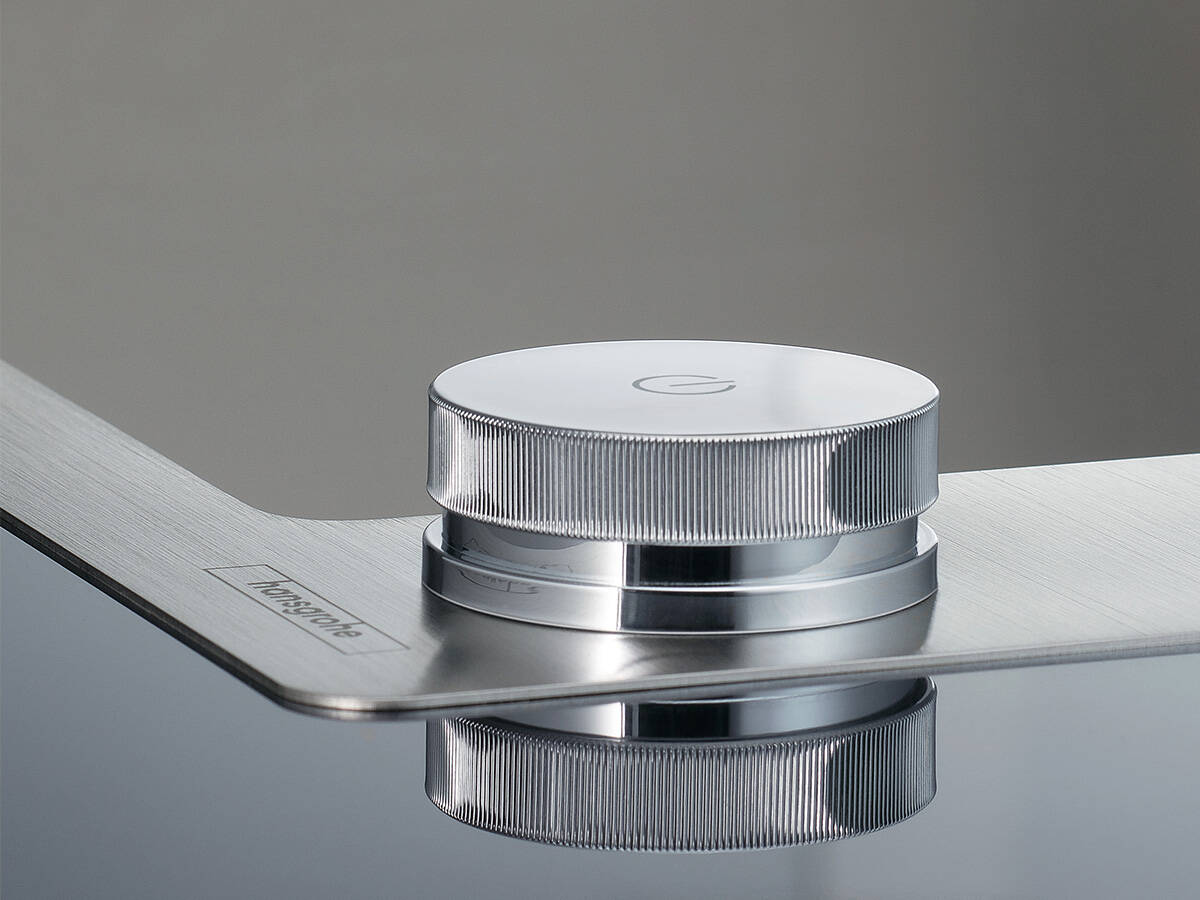
Don't you love it when everything works efficiently? hansgrohe Select at the sink is an ergonomic operating concept that provides for smooth workflows. Simply start and stop water flow or change spray modes at the touch of a button. The Select button can also be operated with the back of the hand or elbow, so the faucet stays clean. This is convenience for all generations.
With the Select function on the modern hansgrohe kitchen faucets, you can control water comfortably and precisely:
- At the touch of a button, water flows at the exact strength you need.
- The preset water temperature is maintained, even if the faucet has been switched off in the meantime.
- Select accelerates workflows: With the Select button on the kitchen faucet, water is switched on or off with lightning speed. This permits even more effective work in the kitchen.
- hansgrohe Select combines ease of use and conservation of resources: no more readjustment of volume or water temperature – the Select button encourages the user to switch the water off.
- The Select technology works purely mechanically, without any current whatsoever, and it is robust. So you can enjoy yourself in the heart of the kitchen for a long time to come.
Pressing the Select button on the side of the Talis Select M54 PowderSpray kitchen faucet allows you to conveniently switch between the flat PowderSpray and the front spout with a laminar and shower spray.
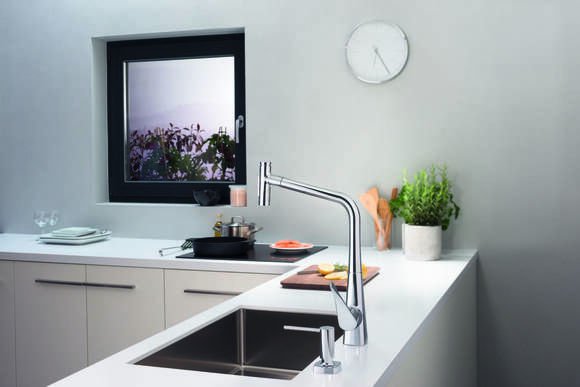
With the Aquno Select M81, tapping on the Select button on the faucet’s base set is all it takes to switch from the round arch spout to the flat spray for vegetables from the faucet’s base.
Switching spray modes using the Select button makes it so easy to multitask. With Aquno Select M81, you can quickly, comfortably, and conveniently switch water usage between tasks.
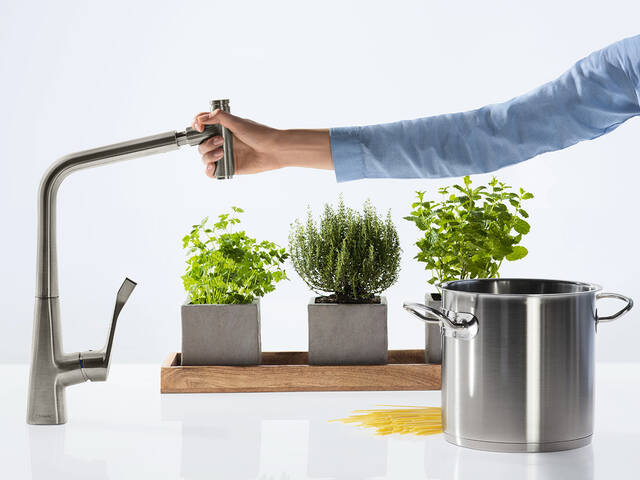
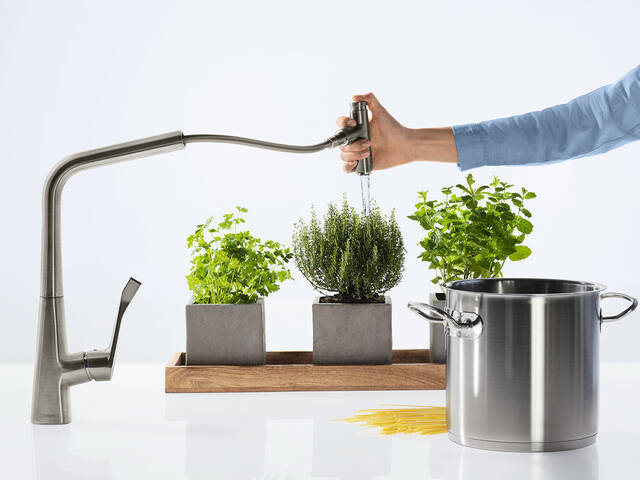
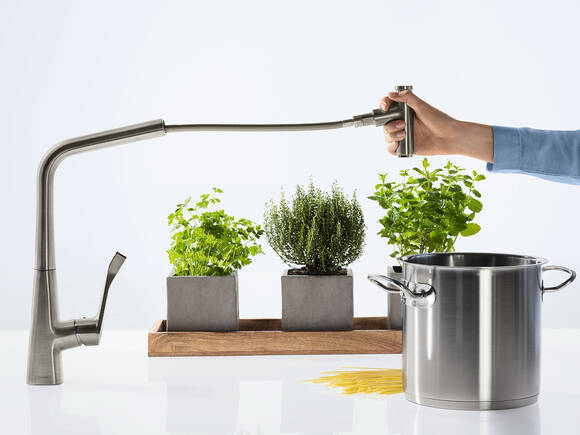
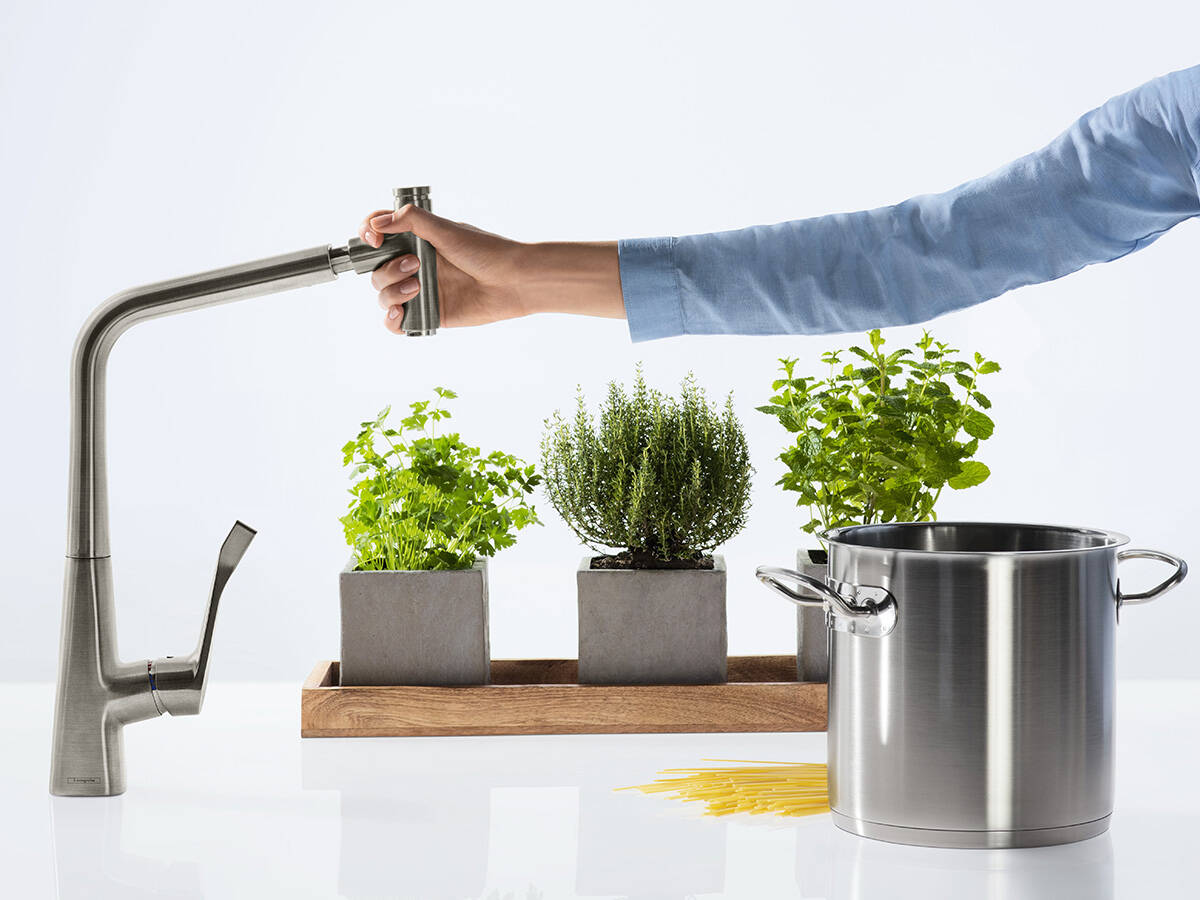
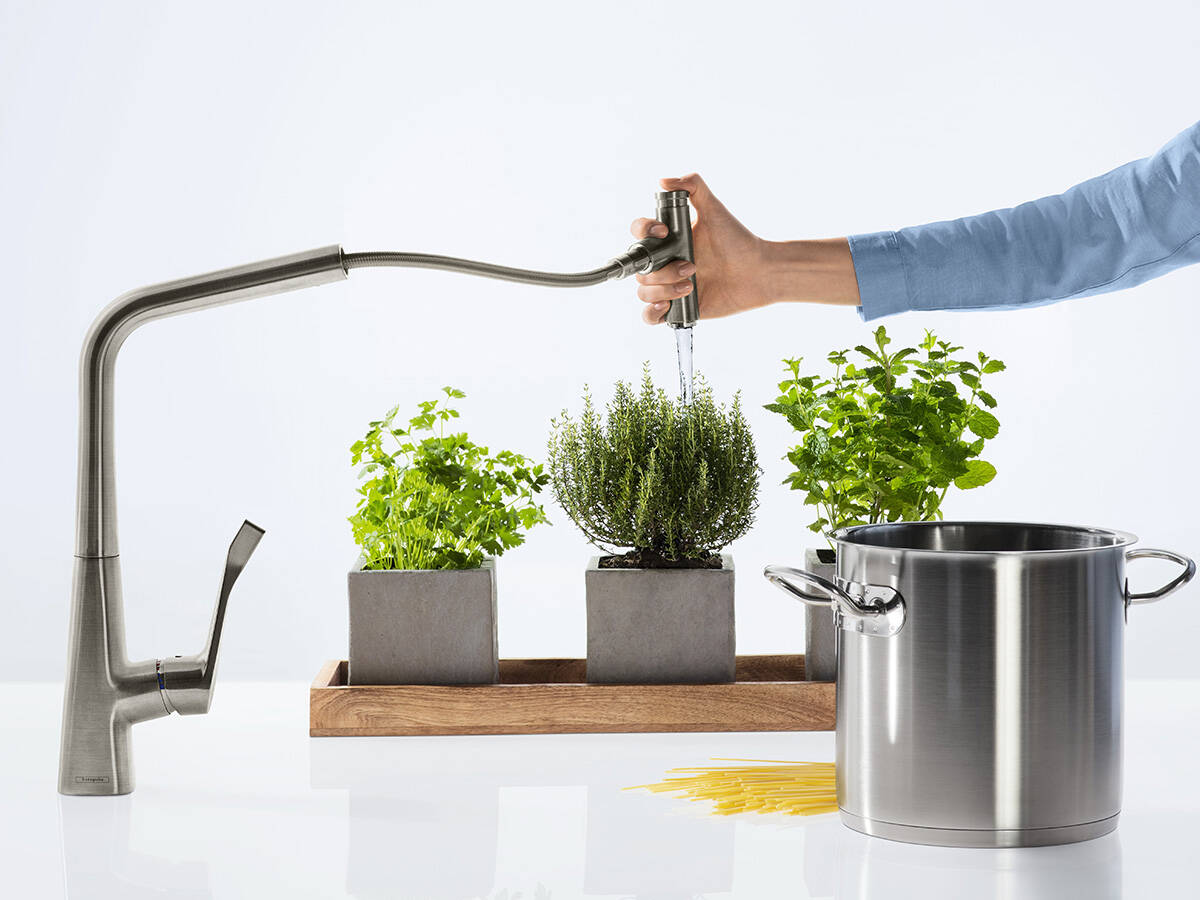
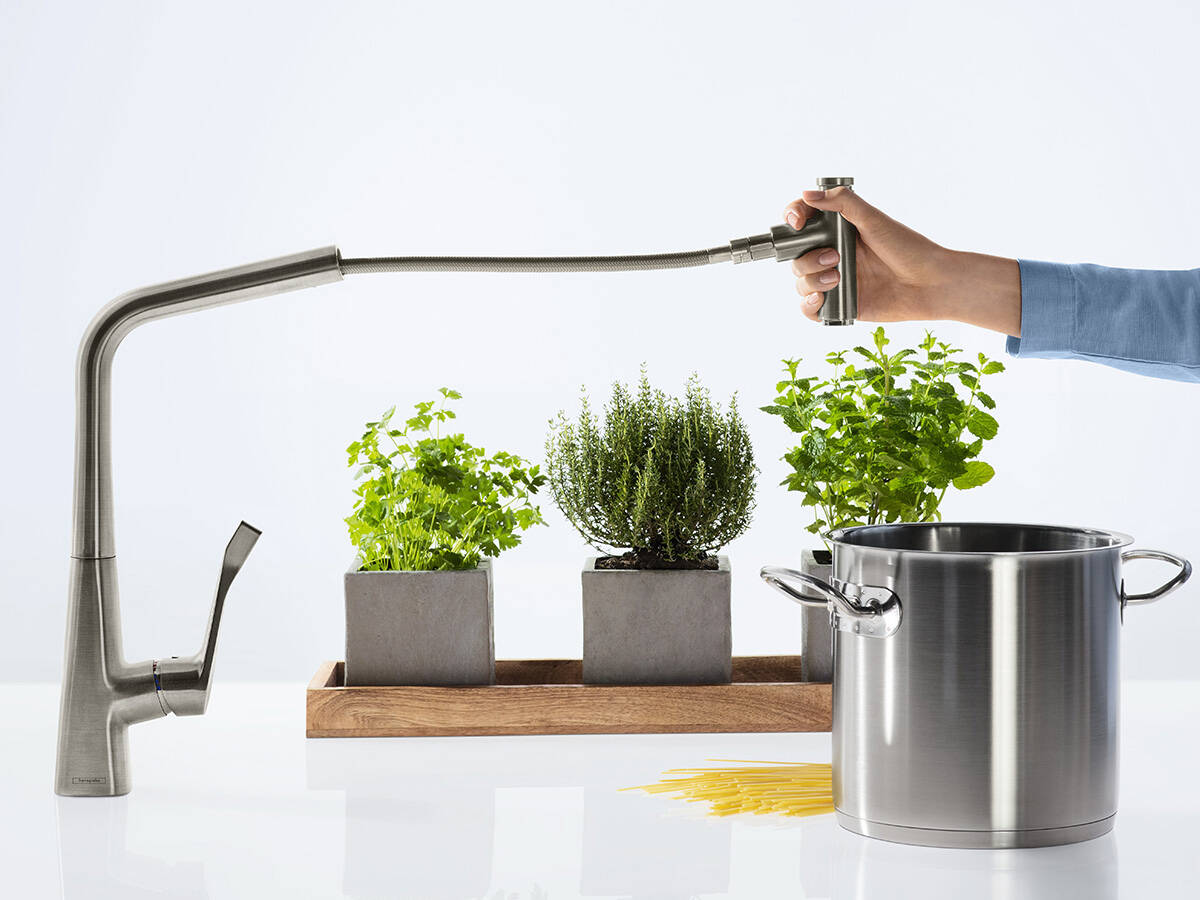
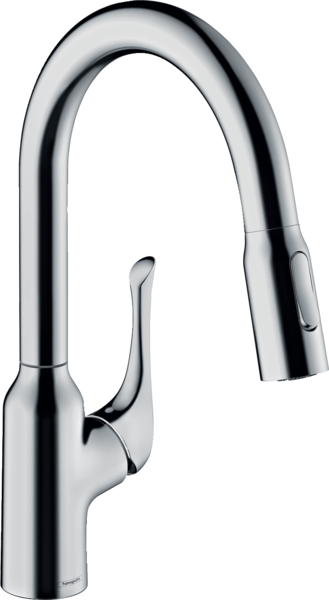
With Metris Select M71 and Talis Select M51, the Select button for starting and stopping the water (when the faucet is in use) is on the pull-out spray. Press the diverter button to change the spray mode.
The Select button on Metris Select M71 and Talis Select M51 acts as a shut-off valve. Move the faucet’s lever handle to start the water flow, then press the button to start or pause it.
By controlling the water flow with one hand (pictured: Metris Select M71) you can complete multiple tasks at the sink at once, without having to stop in between.
The Metris Select M71’s pull-out spray makes it so easy to get things done. You have the full operating radius at your fingertips and can start and stop the water with the same hand.
All kitchen faucets with Select technology
Select in the kitchen: Water just the way you want it
Water control at the touch of a button supports practically all situations in the kitchen: Simply operate the faucet with your elbow, the back of your hand or your forearm. Very handy if you have your hands full, as when filling big pots. Or if your fingers are dirty. Press the Select button to start and stop the water flow almost in passing.
With a dual-jet Select faucet with hand spray, the spray mode is toggled at the touch of a button. Choose between normal and shower spray. More comfort and a greater radius of action at the sink can be yours.
The button for ease of operation
hansgrohe Select buttons for the kitchen are efficiently placed directly on the faucet. With Metris Select and Talis Select, you can start and stop the water flow with the Select button integrated into the spout. This type of operation is particularly ergonomic and is also helpful for children or persons with a limited radius of action.
The faucet must be opened to toggle water on and off using the Select button. In the event of a longer absence, it must be closed using the lever handle or separate operating lever.